UPGRADE ESSENTIALS: WHAT TO KNOW
Will my username and password change?
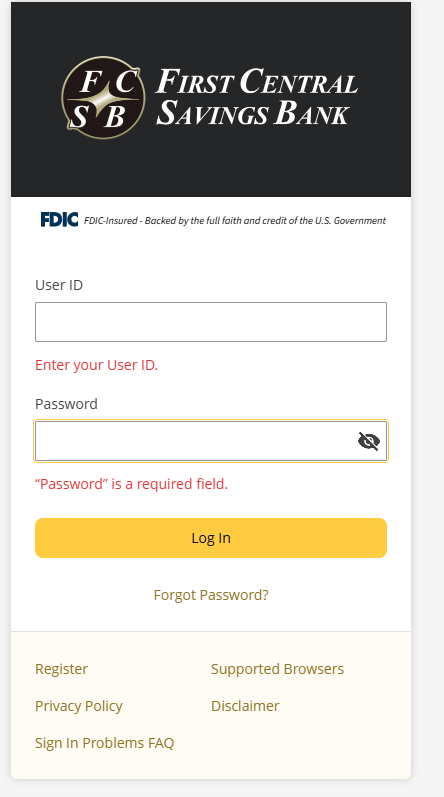
No. You’ll continue to use your existing user ID and password. If you are unsure of your user ID, contact FCSB Online Bank Support. If you are unsure of your password, select “Forgot Password” on the login screen and follow the prompts or contact FCSB Online Bank Support at 866-400-8674.
Can I still use the old URL to log in to online banking?
No. The old URL will no longer work. Please be sure to use our new online banking login page to access your account. For the best experience, update any saved bookmarks or favorites to your browser with the new login link.
Will I have to download a new app?
Yes – this transition includes a more refined, unified mobile app experience only made possible with an entirely new app. Once released, you’ll be prompted to download the new app when signing into the current FCSB Mobile app.
What happens to my Bill Pay?
Your bill payees and scheduled bill payments will transfer to the new platform. However, we recommend reviewing all scheduled payments after your first login.
 All users will be redirected / prompted to download the new app anytime they try to open the existing app.

SCHEDULE:
– APRIL 20, 2026, @ 7:00 P.M. EST: UPGRADE BEGINS
Business online banking services will be unavailable beginning April 20 at 7:00 P.M, as the upgrade process begins.
ACH transactions, wire transfers, and Remote Deposit Capture will not be available.
-APRIL 21, 2026: UPGRADE IN PROGRESS
The system upgrade will continue throughout the day. Business Banking will be available in read-only mode. Business online banking services will be unavailable as the upgrade process continues.
ACH transactions, wire transfers, and Remote Deposit Capture will not be available.
-APRIL 22, 2026: ACCESS RESTORED
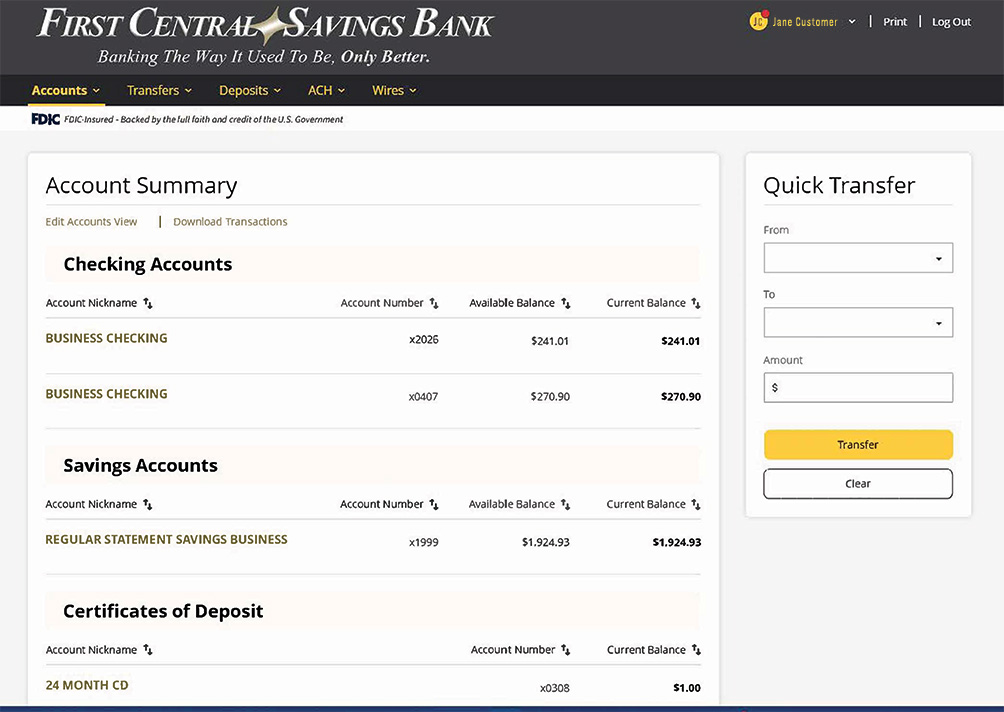
Access to online banking is expected to resume by 10:00 A.M. on Wednesday, April 22nd. Once access is restored, you can log in to the updated experience.